Why an XRechnung can't just be “opened”
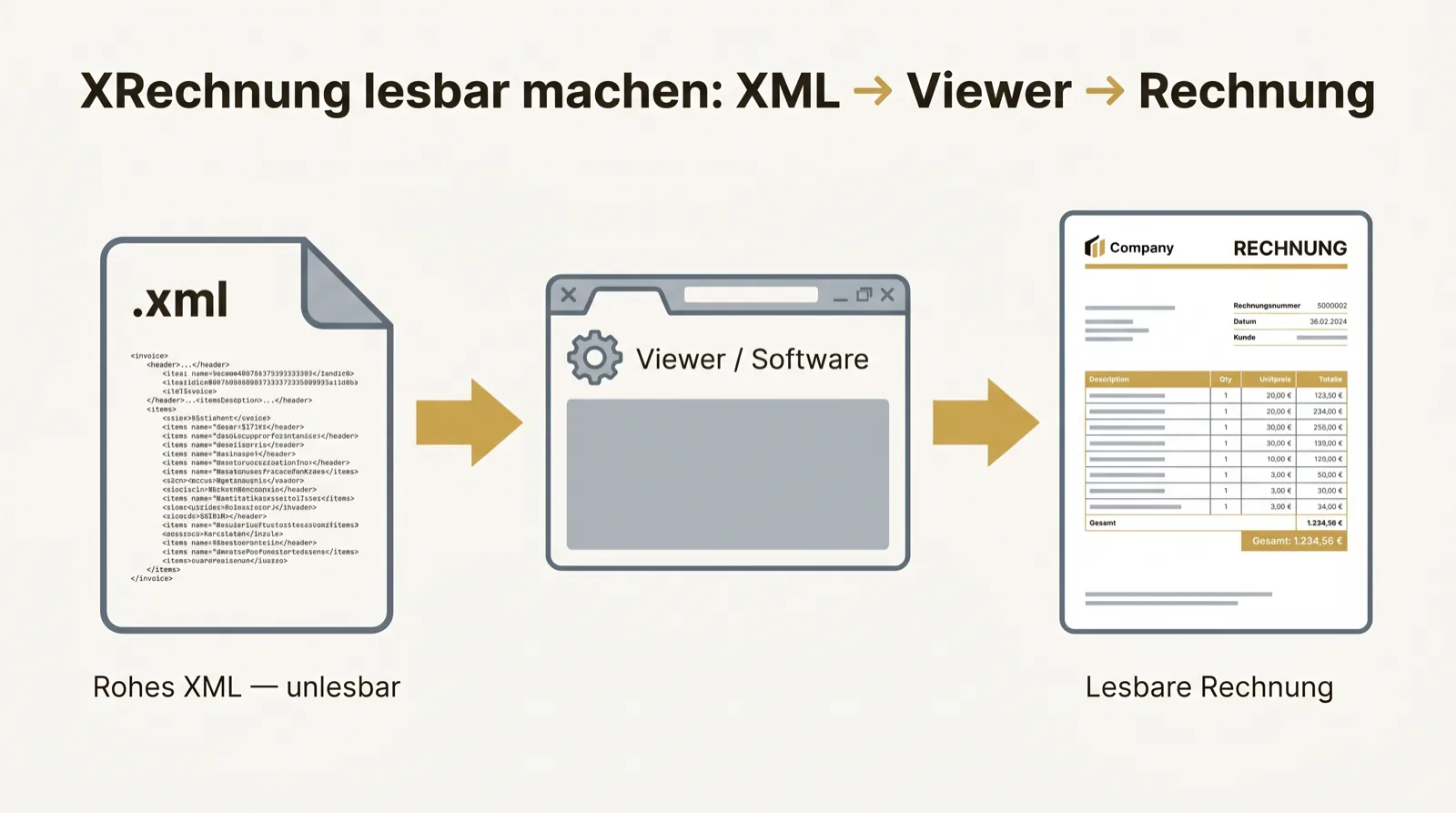
An XRechnung is an XML file. It is deliberately built for machines, not for the eye. Open it in Word, a text editor or by double-click and you see raw code with tags like cbc:ID or cac:AccountingSupplierParty.
That is normal. A ZIP archive looks just as unusable without an extractor. To see the invoice as usual you need something that translates the XML structure into an invoice view.
Validate an XRechnung · Check an e-invoice for free
The fastest way: the KoSIT viewer
KoSIT — the coordination office for IT standards — provides an official XRechnung viewer. You upload the XML and get a clean, rendered view that matches a classic invoice.
For the occasional look that is enough. For everyday work with many invoices, manual uploading quickly becomes tedious — and it only solves display, not validation and not archiving.
Other ways to display an XRechnung
There is more than one button. Which one fits depends on how often and how safely you process invoices:
- Accounting software with XRechnung support shows the invoice directly.
- Browser-based viewers render the XML without installation — caution with sensitive data on third-party servers.
- A dedicated inbox solution makes every incoming XRechnung readable automatically, validates it and archives the original.
- A plain text editor shows only the source code — useless for reading, sometimes helpful for a peek.
What you recognize in the XML
If you do look inside, you find all the familiar fields again: invoice number, date, due date, sender, recipient, tax amounts per rate, line items, total. It is organized in one of two standards — UBL or UN/CEFACT CII.
Both are permitted in the XRechnung, your software must understand both. Important: the figures are identical to the paper world. The tags only make it a machine-readable structure.
The mistake that gets expensive later
Many render the XRechnung once, print it or save a PDF — and throw the XML away. With that the original is lost.
The document subject to retention is the XML file, not the pretty printout. Any number of views can be generated from the same XML; none of them is “the invoice”. So always keep the structured original — the view is only an extra.