ZUGFeRD is a PDF with a false bottom
Open a ZUGFeRD invoice and you see a familiar, designed invoice. Logo, table, total — readable as always. That is why many take ZUGFeRD for “just a PDF”.
It is not. It is a PDF/A-3 with an embedded XML file. The visible page is for the human, the embedded XML for the machine. Both contain the same invoice — only in two languages.
Validate an XRechnung · Receive e-invoices
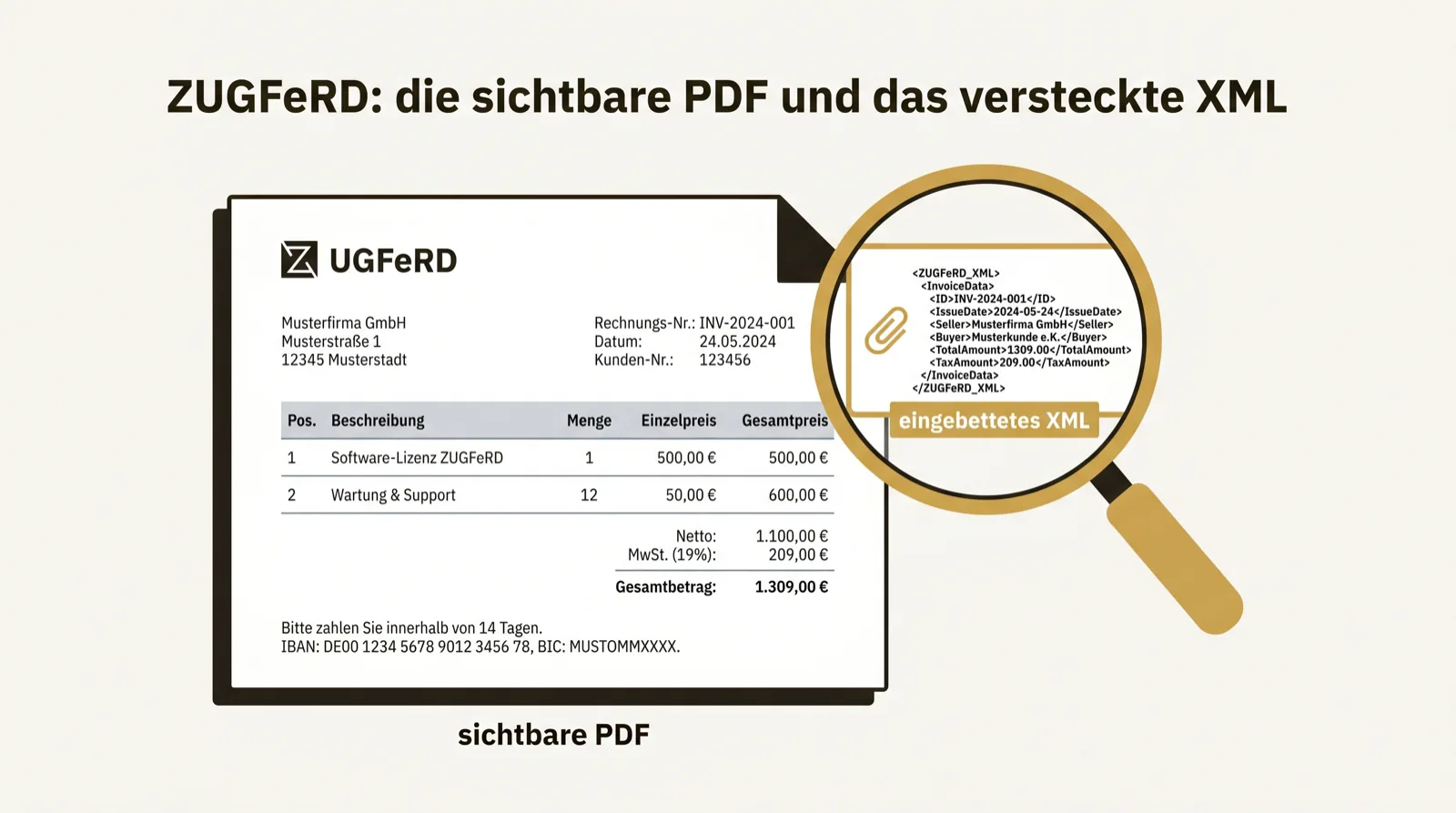
How to find the embedded XML
In Adobe Acrobat Reader there is an attachment or paperclip bar. The embedded file appears there — usually factur-x.xml or zugferd-invoice.xml.
If you see an XML there, it is a real ZUGFeRD invoice. If you see nothing, it is probably an ordinary PDF without structured data — so not an e-invoice in the legal sense. This look into the attachment bar is the fastest authenticity test.
Why the visible page is not enough
It is tempting to simply read the PDF page and ignore the rest. For understanding that is enough. For processing and retention it is not.
The structured data sit in the XML, not in the visible layout. Posted, checked and automatically evaluated is the XML. Whoever only looks at the page uses exactly half of ZUGFeRD — and loses the half that counts.
Profiles: not every ZUGFeRD is worth the same
ZUGFeRD knows several profiles. Only from profile EN 16931 (formerly “Comfort”) does the file contain all mandatory data and count as a full e-invoice. The lean profiles MINIMUM and BASIC WL carry too little to be a complete invoice.
In practice that means: you cannot rely on the mere presence of an XML. It also matters which profile is inside.
What you must keep
With ZUGFeRD the answer is simple and important at once: you keep the file as a whole — the PDF including the embedded XML.
Whoever “flattens” the PDF, re-saves it or loses the XML on conversion has destroyed the structured document. The original document stays unchanged, exactly as it arrived, over the whole retention period.