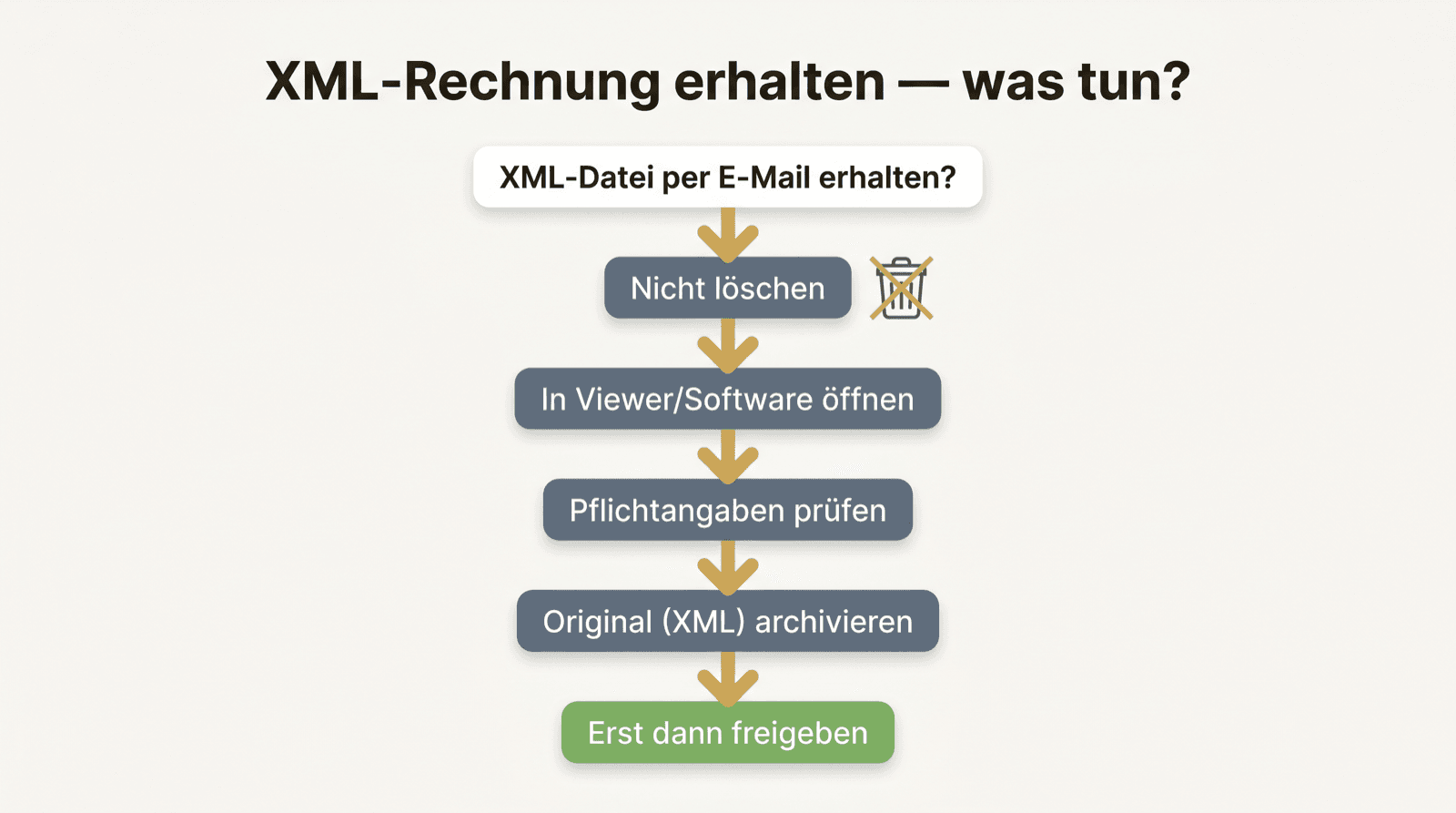
First: do not delete
The first reflex with an unintelligible file is often the wrong one: get rid of it. Do not do that.
The .xml file is most likely an XRechnung — a full, legally valid invoice. Deleting it means destroying a document you must keep for eight years. What looks cryptic is the original, not the trash.
Why it looks like this
An XRechnung is written for machines, not for the eye. The code with tags like cbc:ID is not a defect — it is the format. Just as a music file looks like nonsense in an editor although it is perfectly fine.
The invoice is fully there: number, date, amounts, tax. Just structured instead of pictured. You do not have to understand the code — you just have to handle it correctly.
How to make it readable
You need something that translates the structure into an invoice picture. Several ways lead there:
- Use the official KoSIT XRechnung viewer and open the file there.
- Use your accounting software if it supports XRechnung.
- An inbox solution that makes incoming XML readable automatically.
- If need be a reputable online viewer — with care for sensitive data.
Check before you pay or post
Readable does not automatically mean correct. Before the invoice enters approval: do sender and recipient match? Are the mandatory details there? Do net, tax and gross together equal the stated amount?
Precisely because the XML looks so technical, many tend to wave it through unchecked. Exactly the opposite would be right: check first, then approve.
And then: keep the original
Once you have seen and checked the invoice, the most common follow-up error is to now save only a PDF and discard the XML.
The XML is the original. It belongs unchanged in the archive, for eight years. You may additionally keep the readable view — as convenience, not as a substitute. Whoever automates this once does not have to think at all about the next cryptic file.