Why you'd want to check this at all
A ZUGFeRD invoice looks like a normal PDF. Whether structured data are inside cannot be seen from the page. For accounting that is exactly the decisive question.
The good news: you do not need special software to find out. A common PDF reader is enough for the quick look.
Validate an XRechnung · Receive e-invoices
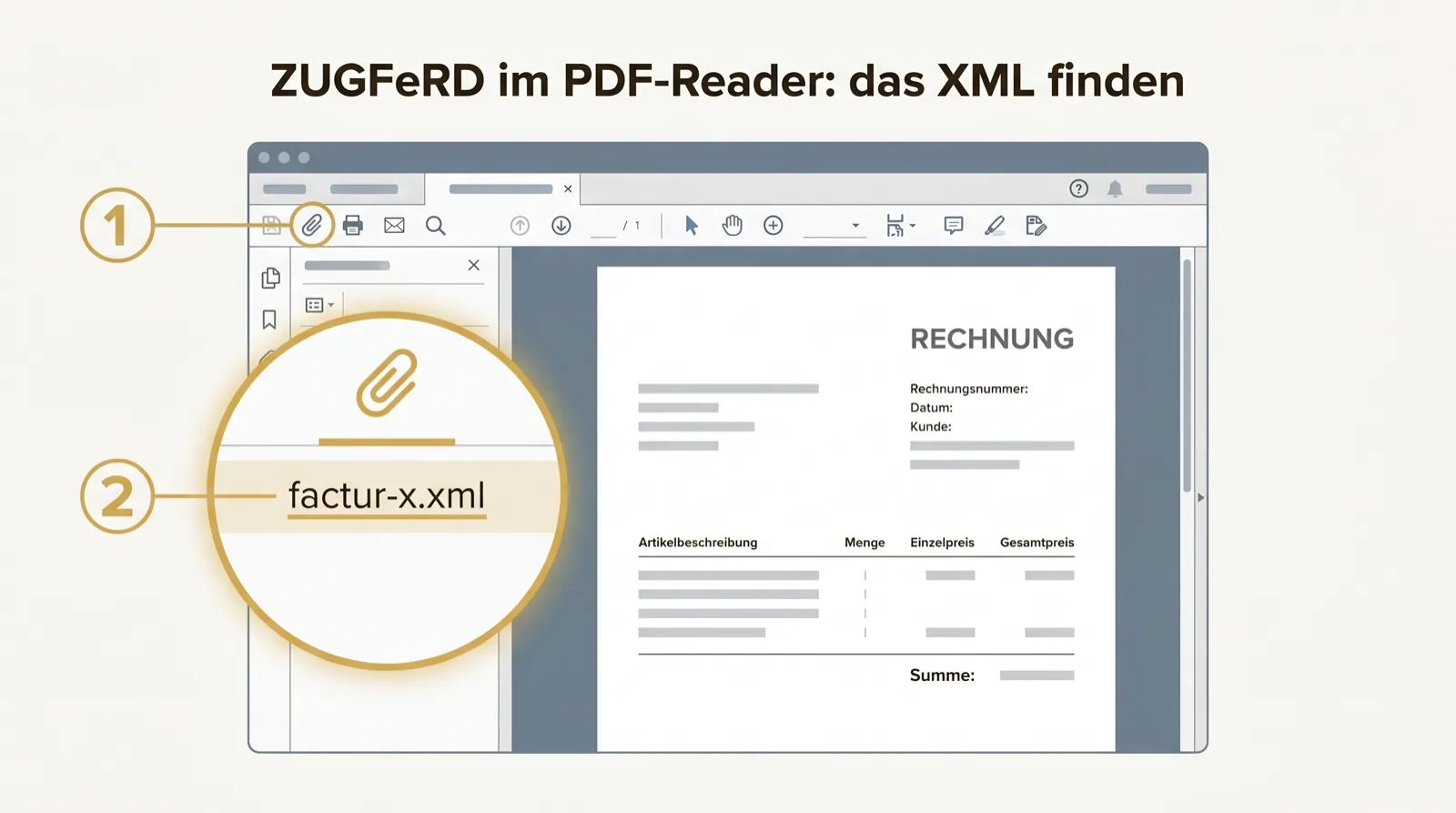
Step by step to the attachment bar
Open the PDF file in Adobe Acrobat Reader. Look at the left edge for the paperclip symbol for attachments. If you do not find it, the menu helps: “View”, then show the navigation panes or “Attachments”.
Click the attachment bar. If the invoice contains structured data, a file appears there — usually factur-x.xml or zugferd-invoice.xml.
What you see there — and what it means
If you see such an XML file, it is a real ZUGFeRD invoice: readable PDF plus structured data. If you see nothing, it is an ordinary PDF — and thus not an e-invoice in the legal sense.
This one look is the fastest authenticity test there is. You do not have to open or understand the XML; its mere presence is the answer.
Limits of this method
The attachment check answers one question — “is an XML inside?” — but not all. Whether the profile is sufficient, whether the totals are right, whether the mandatory details are complete, you do not see here.
For the occasional single case that is fine. Whoever regularly receives many invoices should not do this check by hand — it does not scale and silently overlooks the content errors.